Live demo · Solar installers
Talk to a solar battery's assistant.
This is the assistant for an Enphase solar and battery system, two IQ Battery 10C batteries with IQ8 microinverters under REC panels, installed at 118 Tannery Meadow Road in Westborough by Sorrelwick Solar & Power. It answers from Enphase's owner's guide, with its light tables and outage recovery checked against the guide's pages, REC's panel manual, the installer's handoff video and the installer's terms. Ask what a homeowner would ask in a storm, or send it a photo.
On a computer? Scan the code with your phone instead: voice and the camera work best there, the way a homeowner standing by the battery in the garage would use it.
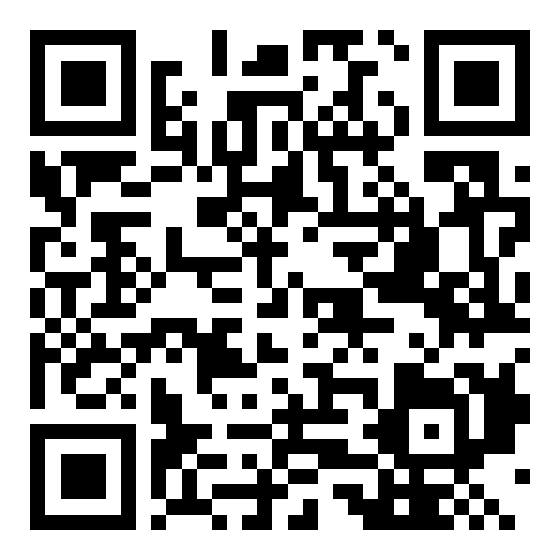
Scan with your phone's camera
Watch first
How it works for a solar installer, in three minutes.
Things to try
"The power's out. What still works?"
What's backed up in this house, from the installer's notes.
"Why isn't my battery charging?"
What Enphase's owner's guide says, and when to call the installer.
"The battery light is solid yellow."
What each light means, from Enphase's own table.
"The app says the gateway isn’t reporting. Can someone come?"
It confirms how to reach you and sends a service request with the model and serial. In this demo nothing is sent.
Tap the microphone and talk naturally; you can interrupt it at any time. Or type, if you are somewhere noisy.
Sorrelwick Solar & Power and 118 Tannery Meadow Road are fictional. The system's manuals are Enphase Energy's and REC's public documents; Talking Manual is not affiliated with Enphase or REC. The handoff video was made from computer-generated photographs and narrated by a voice actor, then read by the same system a real installer uses. Service requests are simulated.
Want this on the systems you install?
One sticker per system. Homeowners get the manuals in plain answers, and service requests reach you already explained.
Other live demos: a car, an RV, a card game, a gym, a vacation rental, a home for sale.
